










Use the customer directory as the shared reference for contact details, notes and appointment history.
Before you start
- Customer records are normally created from appointments.
- Use contact information only for legitimate service operations.
Search before creating
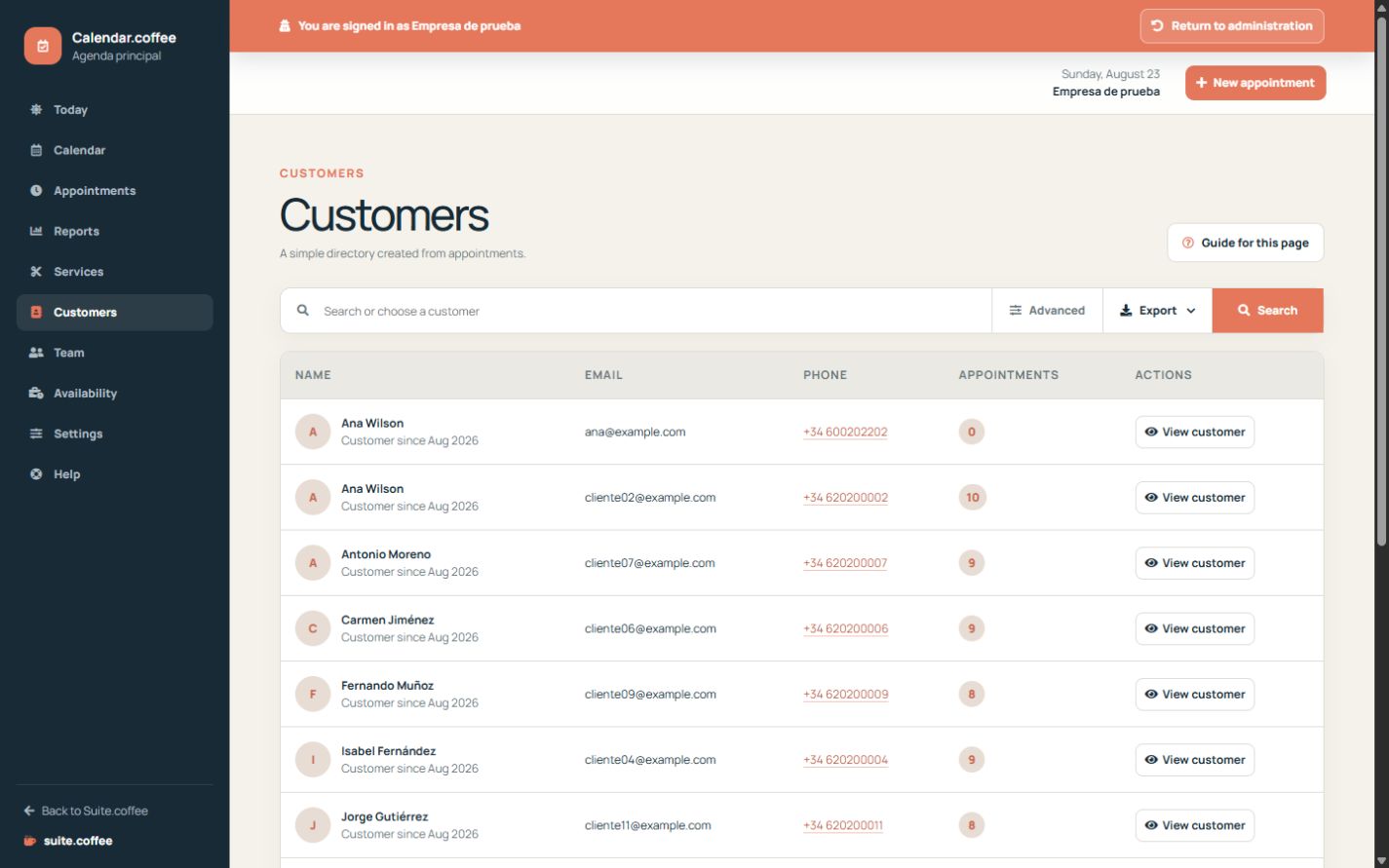
The customer directory is built from appointments and groups contact details independently of one booking. Search by name, email or phone before adding a duplicate person.
Use the history
Open a customer to review upcoming and previous appointments. Notes belong to the shared customer profile and may also be used by connected Suite services, so keep them relevant and appropriate.
Step by step
- Open Customers and search by name, email or phone.
- Use contact and sorting filters when the list is long.
- Open the customer profile to review upcoming and previous appointments.
- Correct useful shared notes when necessary.
- Open an appointment directly from the history for operational actions.
Final check
- There is only one record for the same person.
- Contact details are current.
- Notes are relevant and contain no unnecessary sensitive information.
Tip: Search before creating an appointment for a returning customer; selecting the existing profile preserves a complete history.